C#本身提供了很强大的控件库,但是很多控件库的功能只是一些基本的功能,本文主要介绍了C#为控件添加自定义事件及自定义触发,具有一定的参考价值,感兴趣的可以了解一下
先随便搞个事件吧
 public class TestEventrgs : EventArgs
    {

        private string _name;
        public string Name { get { return _name; } }

        private int  _age;
        public int Age { get { return _age; } }
        public TestEventrgs(string name,int age)
        {
            _name = name;
            _age = age;
        }
    }
分两种,自定义控件和winfrom下的已有控件
先来个自定义控件吧
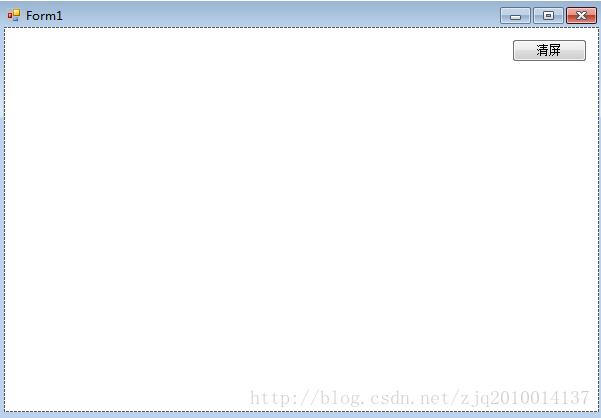
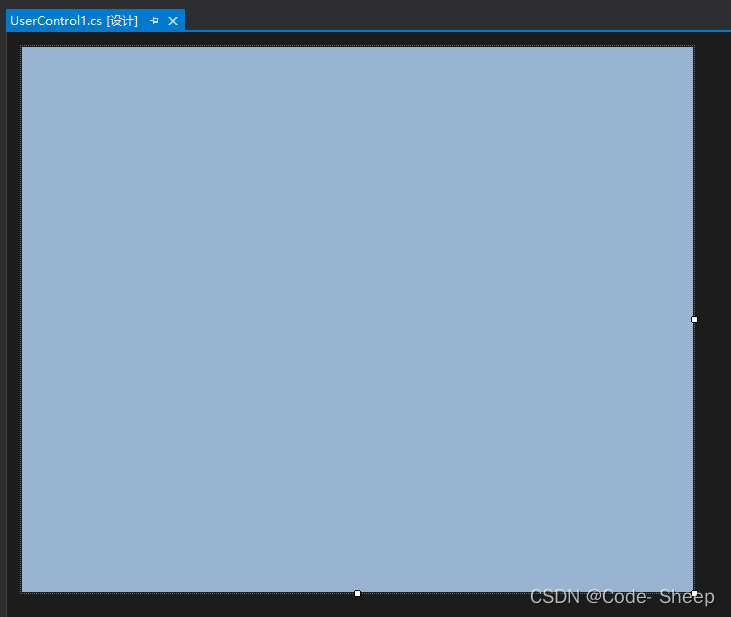
随便搞个界面
上马
using System;
using System.Collections.Generic;
using System.ComponentModel;
using System.Drawing;
using System.Data;
using System.Linq;
using System.Text;
using System.Threading.Tasks;
using System.Windows.Forms;

namespace CSDN
{
    public partial class UserControl1 : UserControl
    {
        int ClickNuM = 0; //点击次数
        public event EventHandler<TestEventrgs> TestEventrg;//自定义的事件


        public UserControl1()
        {
            InitializeComponent();
            this.TestEventrg += new EventHandler<TestEventrgs>(DangeTip);//自定义事件绑定的方法
        }

        private void DangeTip(object sender, TestEventrgs e)
        {
            string tool = string.Format("危险提示:{0}你小子别狂点,仗着{1}岁手速快是吧!?",e.Name,e.Age);
            MessageBox.Show(tool);
        }


        protected override void OnClick(EventArgs e)
        {
            base.OnClick(e);
            ClickNuM++;
            if (ClickNuM>5)
            {
                //触发自定义事件
                this.TestEventrg?.Invoke(this,new TestEventrgs("ming",17));//输入的参数可以自己传入
                ClickNuM = 0;
            }
        }

    }
}
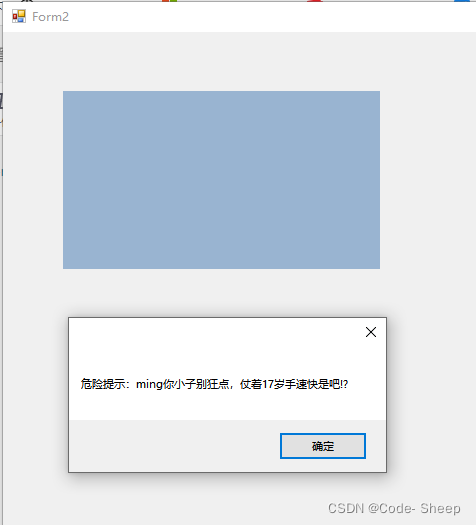
放到界面上,狂点之后
接下来是winfrom下的已有控件,以button为例子
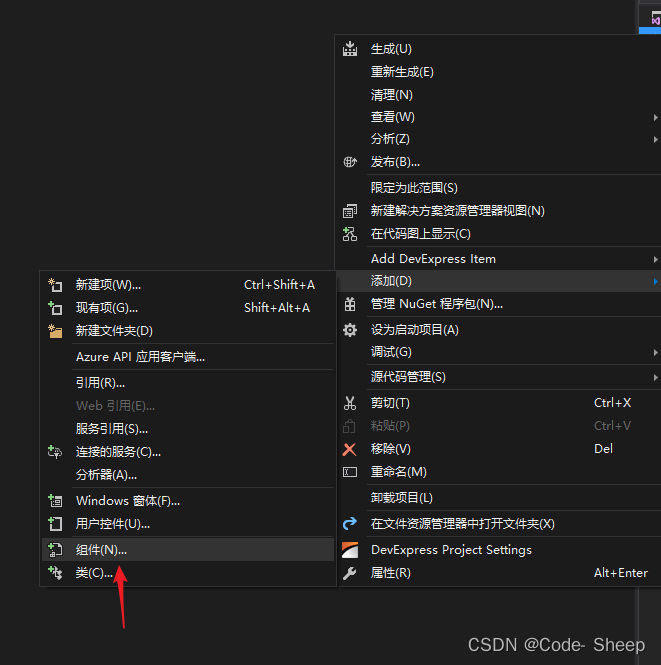
先添加一个组件
改为继承 Button,并添加相应的自定义事件
using System;
using System.Collections.Generic;
using System.ComponentModel;
using System.Diagnostics;
using System.Linq;
using System.Text;
using System.Threading.Tasks;
using System.Windows.Forms;

namespace CSDN
{
    public partial class MyButton : Button
    {
        public MyButton()
        {
            InitializeComponent();
        }

        public event EventHandler<TestEventrgs> TestEventrg;

        public MyButton(IContainer container)
        {
            container.Add(this);

            InitializeComponent();
        }
    }
}
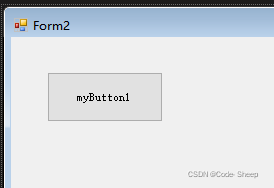
将组件从工具箱添加到界面,添加对应方法
using System;
using System.Collections.Generic;
using System.ComponentModel;
using System.Data;
using System.Drawing;
using System.Linq;
using System.Text;
using System.Threading.Tasks;
using System.Windows.Forms;

namespace CSDN
{
    public partial class Form2 : Form
    {
        public Form2()
        {
            InitializeComponent();
        }

        int ClickNuM = 0;

        private void myButton1_TestEventrg(object sender, TestEventrgs e)
        {
            string tool = string.Format("危险提示:{0}你小子别狂点,仗着{1}岁手速快是吧!?", e.Name, e.Age);
            MessageBox.Show(tool);
        }

        private void myButton1_Click(object sender, EventArgs e)
        {
            ClickNuM++;
            if (ClickNuM > 5)
            {
              myButton1_TestEventrg(this, new TestEventrgs("lang", 88));
              ClickNuM = 0;
            }
        }
    }
}
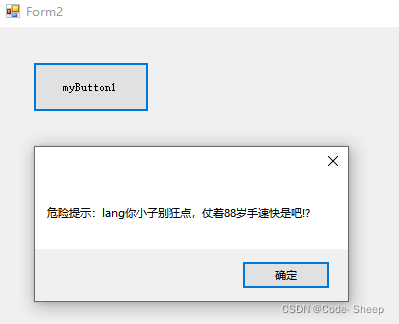
运行之后,狂点。触发
到此这篇关于C#为控件添加自定义事件及自定义触发的文章就介绍到这了,更多相关C# 控件添加自定义事件及触发内容请搜索得得之家以前的文章希望大家以后多多支持得得之家!
沃梦达教程
本文标题为:C#为控件添加自定义事件及自定义触发


基础教程推荐








猜你喜欢
- 如何用C#创建用户自定义异常浅析 2023-04-21
- Unity虚拟摇杆的实现方法 2023-02-16
- C#执行EXE文件与输出消息的提取操作 2023-04-14
- C#实现归并排序 2023-05-31
- 浅谈C# 构造方法(函数) 2023-03-03
- C#使用SQL DataAdapter数据适配代码实例 2023-01-06
- C#使用NPOI将excel导入到list的方法 2023-05-22
- C#中参数的传递方式详解 2023-06-27
- C# TreeView从数据库绑定数据的示例 2023-04-09
- C#使用Chart绘制曲线 2023-05-22